

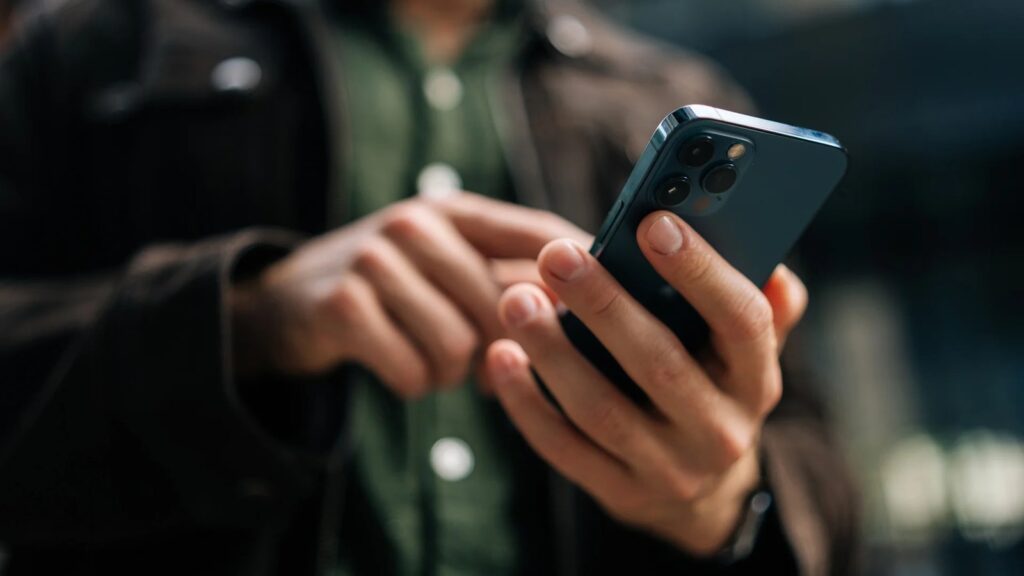
Smartphone spam calls and text scams have become a daily burden, constantly distracting us from our phones with a slight annoyance. Scammers use “neighborhood-spoofing” that mimics local area codes and automated text bots that send out thousands of fake messages throughout the day and night. Your smartest first response to this problem might be to download a call-blocking app that charges a recurring subscription fee of $4.99 and requires access to all your personal data. But you can’t pay your way out of this annoyance or hand over your address book to get rid of it.
Text message scams (smishing) are particularly dangerous because a single accidental click on a link can expose your account information. You can completely redirect messages from unknown numbers to your inbox. On iPhone, go to Settings > Messages (or Settings > Apps > Messages) and turn on “Filter Spam” under “Unknown Senders.” This creates a separate tab in the Messages app for unknown numbers and disables notifications. On Android, open Messages, tap the profile icon in the search bar, go to Messages Settings > Protection & Security > Spam, and confirm that spam protection is enabled. Your mobile operator maintains a list of active scam call sources at the network level. It offers a free basic network filter, but rarely turns it on by default.
ناقش هذا التطور في المجتمع
Haber hakkındaki düşüncelerinizi, donanım deneyimlerinizi ve teknik sorularınızı topluluk üyeleriyle anlık olarak tartışın.


























الكلمة لك.
شارك تجربتك وأسئلتك ومساهماتك. لن يتم نشر بريدك الإلكتروني.